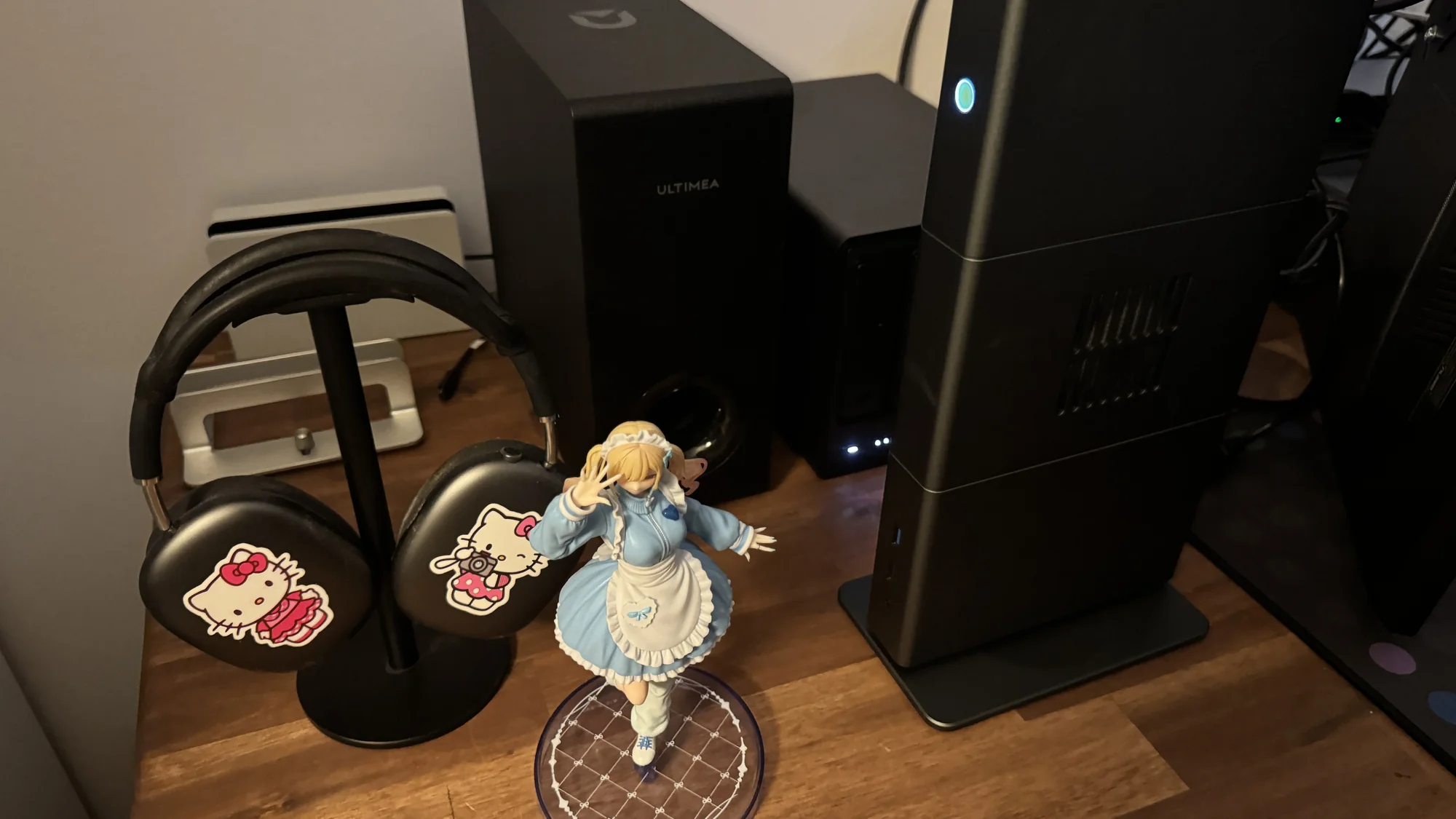
2026.10.31
5 Months of Self-Hosting and Privacy: From a Few Services to Local Qwen 3.8 Flash Next

Every day, during high school, I used to open up my Mac and fire up Notion or GoodNotes on my iPad to take notes for class or to manage my study sessions on my iPhone for my upcoming exams. So, it only felt right to continue practicing the same routine for Uni during my first semester. However, when confronted with a terrible internet connection and more complex note taking, Notion started to feel sluggish. I didn't have the guts to fix a well oiled machine during my first semester, but as the second semester rolled around I decided that I had to make some changes. I was already distro hopping (I will never leave the safety of NixOS now) and spending way too much time on my Hyprland config files, so when I heard about being able to self-host Obsidian on reddit, I started coming up with plans. Falling down the Linux rabbit hole made me start to care about my data and where it was stored more. When push comes to shove, all of my notes for Uni were not truly stored locally nor did I have any say in the UI/design decisions Notion pushed out with every update. That scared me. This is why I decided to start self-hosting.
Day 1: Choosing a NAS and learning
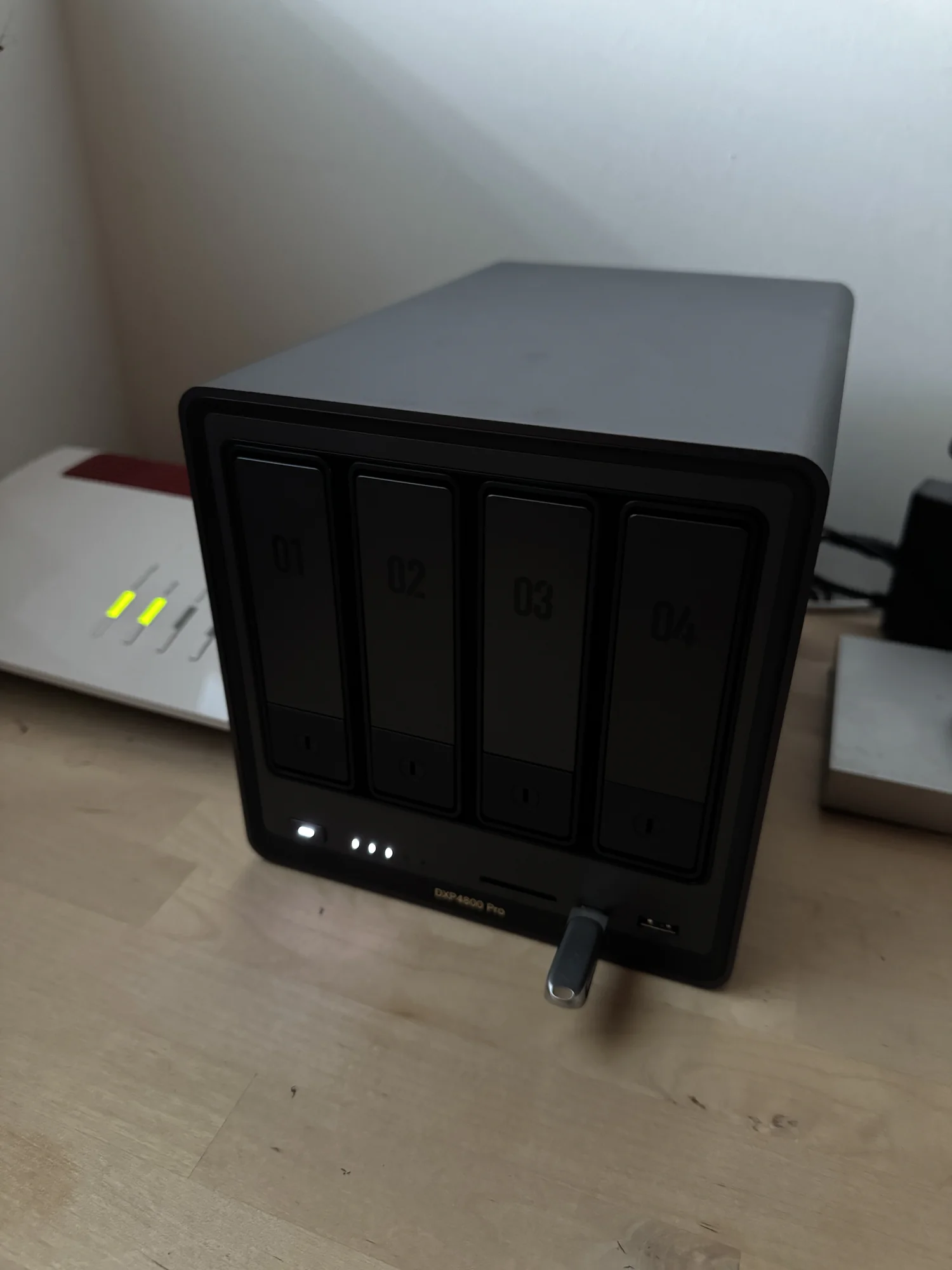
I started researching what sort of NAS providers were out there and how much storage I needed. Every conversation with myself kept pushing the storage up. I thought to myself, "I'm going to get a NAS anyway. I will probably self-host Immich and ditch iCloud, so why not bump it to 2 × 8 TB of storage? Not only that, but I could use it to store all the movies and films just lying around in my Samsung T7 SSDs." I went back and forth with a Twitter mutual on different setups and settled on the UGREEN DXP4800 Pro with 8 GB of memory as my NAS. It runs very quietly, uses less than ~30 W, which matters at my 0.34 €/kWh electricity rate, and has 4 trays for storage. The 2 × 8 TB HDDs that I run in RAID 1 are basically silent if you play around in the UGOS settings. The electricity usage was a big selling point, as our prices here are crazy. Not to mention that UGOS provided a straightforward way into my self-hosting journey. The first services in Docker containers on my NAS I ran were Vaultwarden as a password manager to replace my Bitwarden subscription (I still keep Bitwarden as a cloud backup). I chose Obsidian to replace Notion for Uni, Kavita to store and read my books and manga, Papra to store important and sensitive documents, and Tailscale to have access to my NAS on the go. And of course… my growing Jellyfin library to replace my Netflix subscription. I will potentially make another post to truly go in depth about why I like Jellyfin so much. I'm currently using the Abyss theme. The first month felt snappy and clean.
RAM upgrades
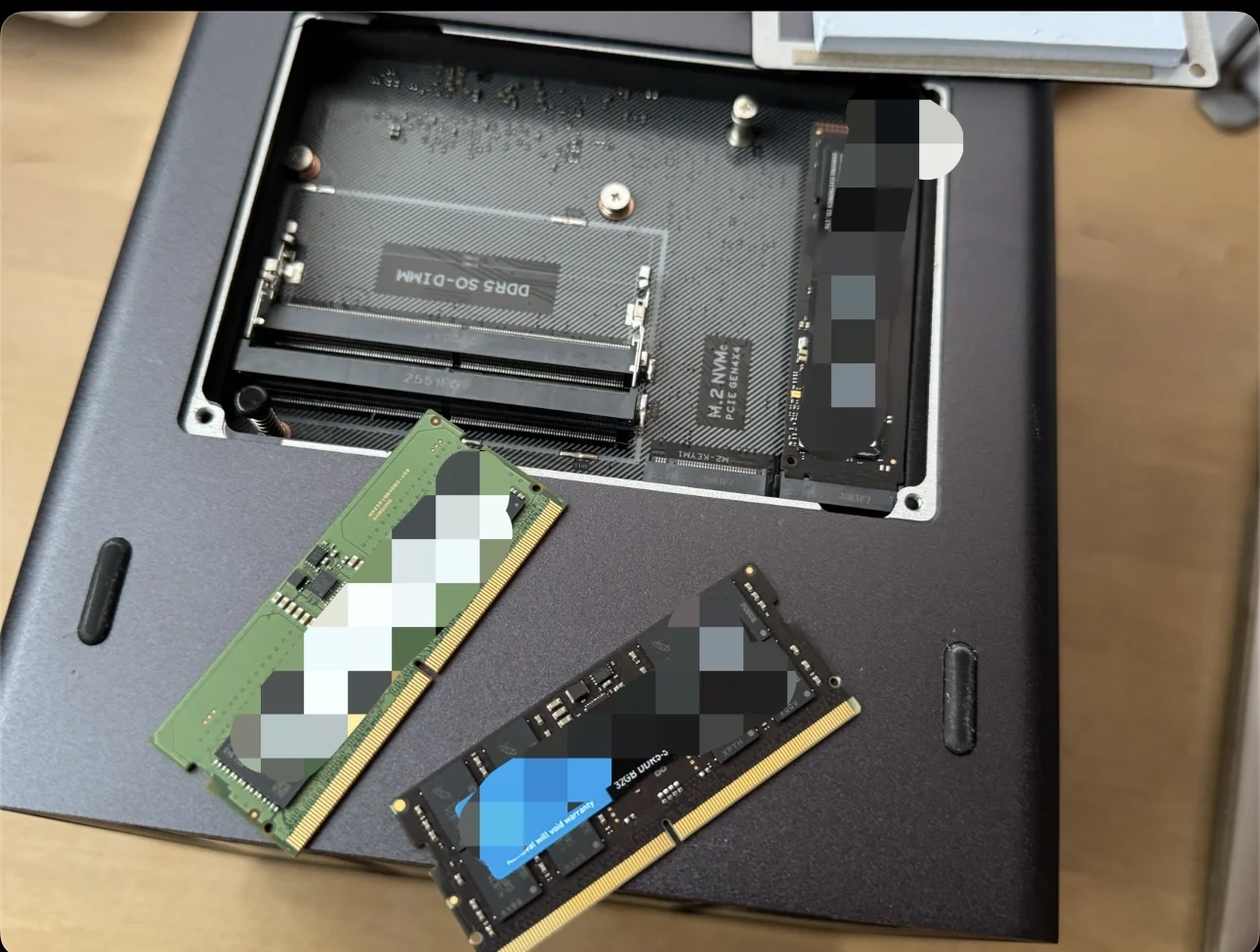
As my list of services grew, my NAS started to slow down. I couldn't sync the images my iPhone took to Immich whilst watching or downloading a film on Jellyfin. My friends who at this point also started using my Jellyfin library were adding load. It was basically crying out for more memory. I found a used 32 GB DDR5 SODIMM stick on eBay and clicked buy. It obviously hurt to buy memory at a time when memory prices are completely insane. I managed to convince myself that the sheer joy of running a lightweight NixOS VM with XFCE on the NAS alongside my other services would be worth it. I had now bumped my NAS up to 40 GB of memory and gained the freedom to run as many services as I wanted to without being restricted. The lesson I learned here was to start off small and only upgrade when you're really being bottlenecked.
Learning ports, and which services make sense
Where I did hit a roadblock is managing my ports. I started self-hosting Portainer and also gained some insight from another Twitter mutual about the general architecture of his setup. I learned more about Proxmox, WireGuard, and OpenVPN, bought a VPS, and also put my VPN subscription to good use. Likewise, I do really have to stress the fact that self-hosting Portainer this early really saved me a lot of pain and time down the road. It helped me remove services I do not use and update the ones that were critical. Oh, and around this time I also hosted a TeamSpeak server for fun. It was surprisingly easy, and I would recommend everyone to try it out. The TeamSpeak 6 Server is surprisingly polished even though it is only in beta. I was so happy to hear about a German project like this doing well. The one thing that bothered me: not everything on TeamSpeak is end-to-end encrypted, and that did not sit right with me the longer I ran it. When I eventually retired the server, I deleted its port forwards with it and never added a single one since.
Using a NixOS VM
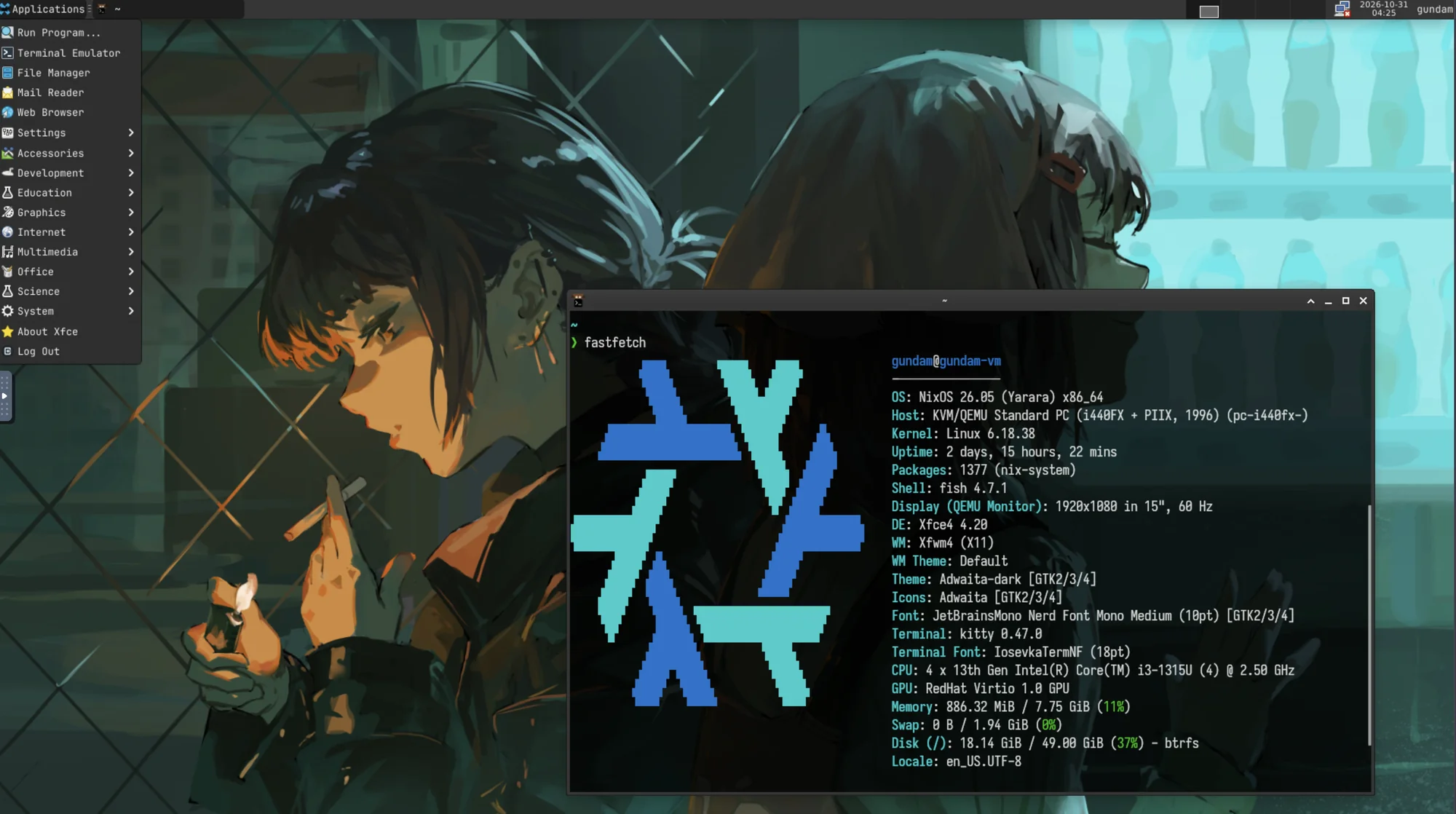
My next mini project involved implementing a small NixOS VM on my NAS. It has 4 vCPUs and 8 GB of memory dedicated to it. I really fell in love with NixOS. After using it for a year on my main desktop and never changing to a different distro, I felt confident enough to run this. The declarative config file was a bit of a learning curve, but if you are in your first year of Uni and took one OOP class, you should find this easy. I also got tired of using my MacBook Pro sometimes, and being able to open up my very lightweight NixOS VM everywhere I had internet was so neat with Tailscale. The XFCE DE really brought me back to a time when using my computer felt like so much fun. Back on my desktop, NixOS flakes and the ability to run CachyOS's Proton also let me play all my favorite games in my Steam library. I could go on and on about NixOS, and a lot of it is larp but it is the good kind of larp.
The self-hosting stack
During the discussion surrounding Codeberg and hosting code generated by AI on X (formerly known as Twitter), I found out about Forgejo and started self-hosting it. It's funny how that exact drama led me to self-host it, but I have since used it to mirror my GitHub repos on my NAS. All of my OOP notes and Java code for the class I took are now saved there. I also started self-hosting Hermes Agent and only gave it access to very limited amounts of my data, as I was still using OpenRouter and cloud models. It proved to be a good tool for Uni. My model of choice was GLM 5.3 Flash. It is cheap, fast, and good enough for my use case. I set up cron jobs so that it could provide me with a quick brief/summary of the classes that I would be taking and what I would have to learn for them. When using AI for studying, I think it is crucial to mention that you should never outsource your thinking or your learning to it. Making mistakes and figuring things out on your own is incredibly important to learning. There are things at Uni that one has to do on your own, in order to truly learn. Some of your courses will require to write exams on paper and AI cannot help you here. Future jobs will also require you to still be able think on your own, and if you outsource ALL of your thinking to AI, you will be at a disadvantage in the job market. I do not want to be that person, and I do not want to be that student. However, if you can use it to make the administrative (paperwork and so on) side of Uni go away, go right at it. Remember: Dosis sola facit venenum. There will be more on this later with my local AI setup.
Immich: leaving iCloud Photos for good
The first thing I did when I got my NAS was consolidate all of my images and albums from my childhood. They were all on randomly scattered hard drives around the house. The migration and the transfer speeds were a pain in the ass, but after a few hours all 101 GB were there, and I got right back to organizing the library. I got Face Recognition working on Immich so all the fun toys that I was used to on iCloud were right there. I could safely switch on locations for the photos I will take in the future, knowing I would be the only one with this information. I doubt I will ever go back to using the cloud for storing my media library.

Obsidian LiveSync: the perfect tool for university
One huge advantage of using Obsidian is that everything is a plain markdown file in a vault. Obsidian LiveSync with CouchDB keeps each one of my devices synced via my NAS, which I have named lebkuchen. I can work offline and not be interrupted the way I was before when I was using Notion. The community plugins for Obsidian are truly wonderful. If you are starting off with Uni and want something that will grow with you as every semester passes, I would recommend Obsidian. The mind map is especially helpful when knowledge from different courses is integral to a future exam or when creating flashcards. My Hermes agent also has access to this vault and can make its own notes in there too. I am cautious about what it can read and write. However, it is especially useful to have it read my own class notes or remind me of upcoming due dates. The fact that these are markdown files makes it effortless for an agent to edit. I'm also not tied down to any model or AI lab, because my work remains on my machine. I can swap the model in my Hermes agent at any time to help me with my classwork.
The weird Matrix server thing
It was fun. It was a good laugh. This short lived project was entirely about me proving to myself that if I wanted to do this, I could. I bought a VPS as the public edge and put Caddy on it as my TLS reverse proxy, with a WireGuard tunnel as the only path into my home network. Synapse ran on my home server. I implemented Element X and used Authentik as the identity provider. Element X forced me to migrate authentication to the Matrix Authentication Service too, so I did that too. Implementing GIFs took a whole night. I'm never ever doing that again lol. I reduced the number of messages that were saved on my server for safety concerns. I think it is essential that the ability to do this exists, as we shouldn't be beholden to Discord, WhatsApp, and so on.
It was always invite only and purely between close friends, so it never pretended to be bigger than that. Running it meant staying current on updates, watching logs, and being the admin your friends message when something breaks. The effort kept pointing at a handful of people, and in Germany the operator of a server like that carries real responsibility for everything that happens on it, from Impressum duties to whatever users post. So I shut it down deliberately, verified it was off, and kept the proof that I could build it.
Moving day
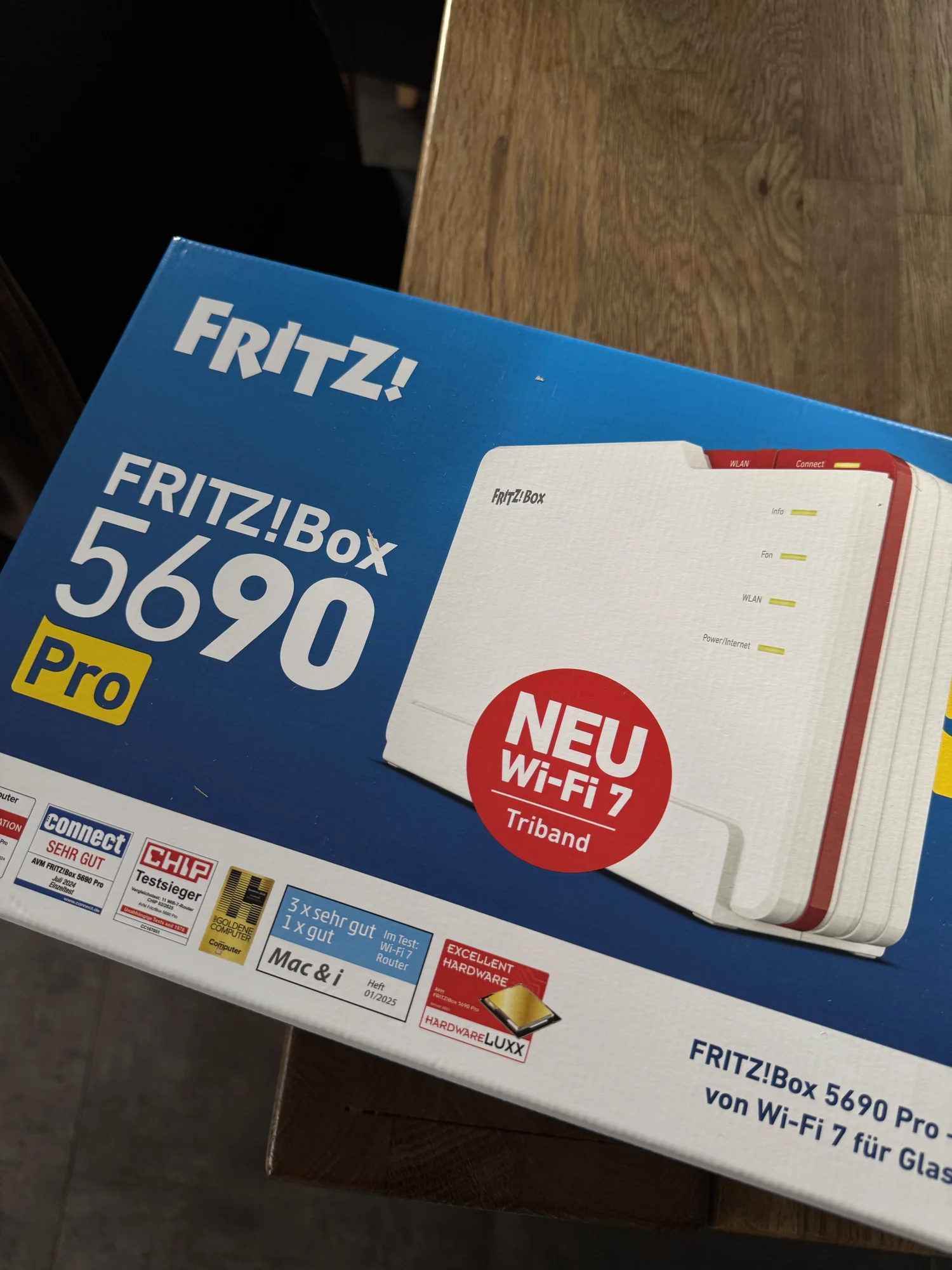
Of course I had to move into a new apartment just when everything was working and most of the grunt work was done. I bought a FRITZ!Box 5690 Pro because my new place only had a VDSL connection but was supposed to receive fiber next year. I hope that happens. I truly miss having fiber, and Germany is quite slow when it comes to building any sort of infrastructure at the moment. What surprised me was migrating my old Fritz!Box settings to my new Fritz!Box was incredibly easy. I just had to stick my config file on a flash drive and put that in my new router, and it received all my old rules and the permanent IP address for my NAS. My set up includes no port forwards and my public traffic all goes via the VPS edge. My whole stack did not need any changing at all.
Making the switch to local AI
Before Uni started up again, I realised that whilst a lot of my notes were stored locally, whatever my Hermes agent sent to a cloud model could include my private notes. My OpenRouter bill also hit $80 for October, so I thought it was only reasonable that I look up what local AI was like. I needed something to replace the labor GLM 5.3 Flash was doing for me. I was hesitant at first because I thought I just required a better GPU in my gaming rig, but keeping a fully fledged gaming PC on at all times would be brutal given German electricity prices. If I was going to run local AI, I would need a better solution and at least 128 GB of memory. I researched the model I wanted and needed to run first before the hardware that was out there so I could actually understand if switching over from cloud models made sense. The Strix Halo subreddit had a wealth of resources I could tap into. Conveniently, Qwen recently released Qwen 3.8 Flash Next, and there were several posts about how fast the halogen flash server was on the subreddit, so I went with a GMKtec EVO-X3 and called it Strudel. I put headless NixOS on it to reduce its memory usage. It did force me to boot up Windows 11 to partition the SSD, which was funny. I had been so used to using NixOS that booting up Windows felt agonizingly slow. Getting the boot order to stick was its own little saga: the GMKtec BIOS kept resetting the boot order no matter what I set in it, so I had to try several different approaches before one finally held.
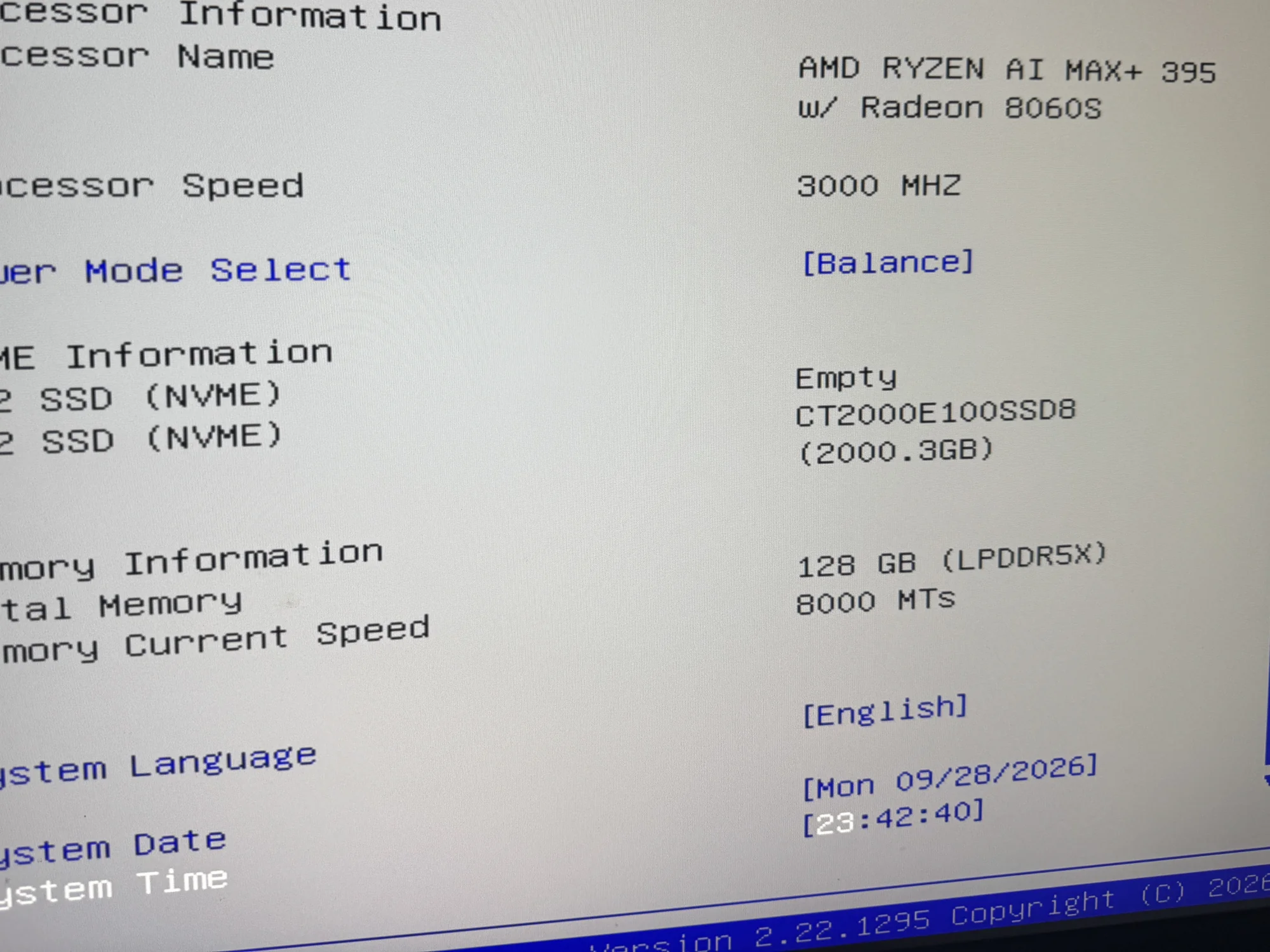
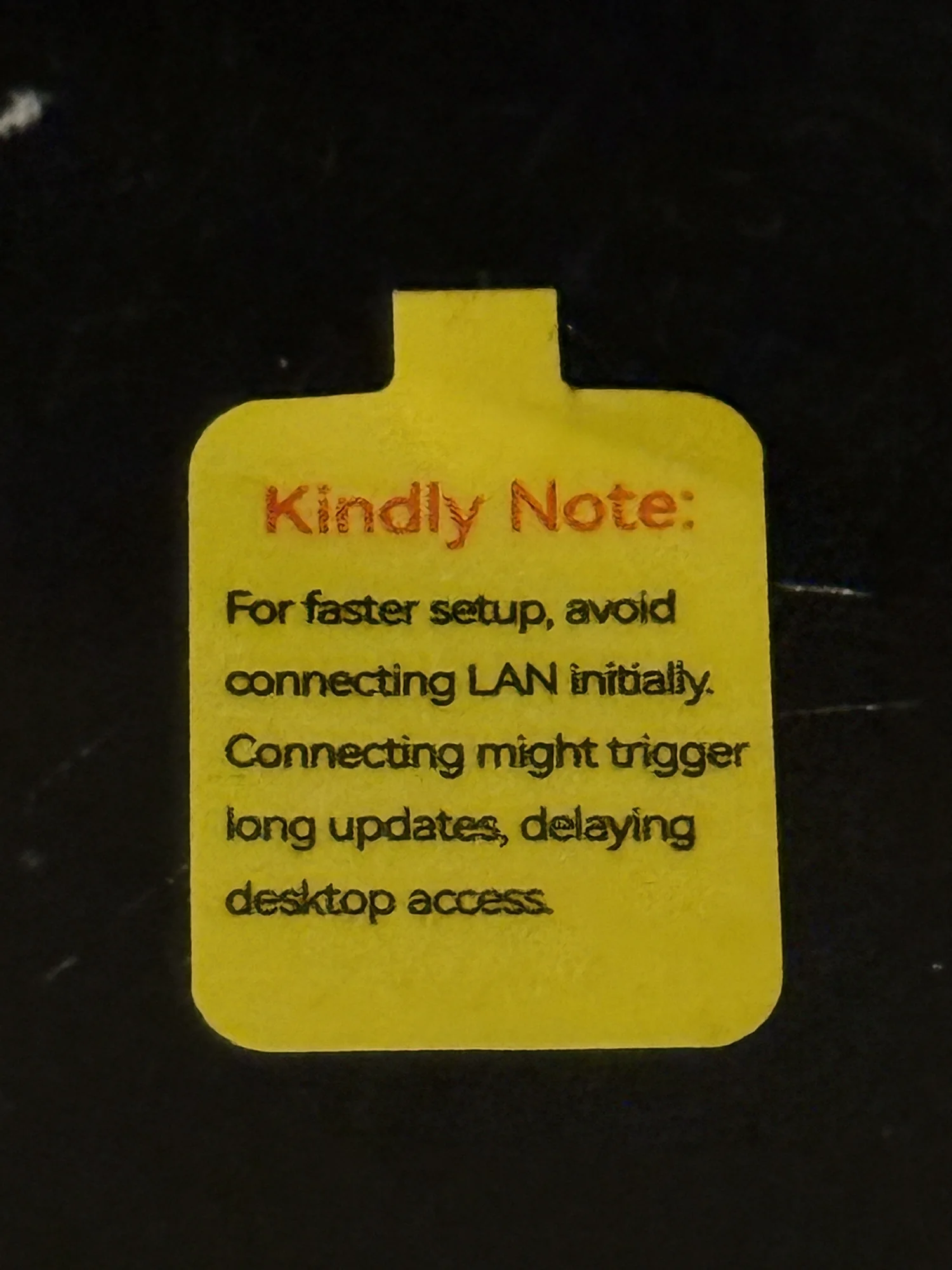
And one funny catch: the BIOS was hiding half of the memory from the operating system by default. After I changed one setting 62 usable GiB became 124, the RAM had been there the whole time. The sticker on the box even warned me not to connect it to the internet on the first boot, which was cute. I assume Windows 11 would force it to get updated. During normal operation it is pretty quiet though, I never hear it even under load.
Honest limits: bandwidth, 128 GB, and what local AI can and can't do
There are, of course, downsides and upsides to the solution I went with to host local AI. One of them is the bandwidth. The 128 GB LPDDR5X 8000 memory on a 256 bit bus gives me 256 GB/s on my Strix Halo. I also don't get access to the entirety of the 128 GB. Only around 122 GB is usable for the GPU, and that pool is shared between model weights, context, and caches. My sweet spot ended up being two native 256k lanes on Strudel (my AI box) behind my LiteLLM gateway and a KV cache pool of 524,288 tokens.
I am not an AI power user, someone who needs this to work for their job or is completely convinced on generative AI. I'm still skeptical about the future of LLM's and know to little to form a fully fledge opinion. Nevertheless, Qwen 3.8 Flash Next easily managed to do all the things GLM 5.3 Flash did for me previously with Hermes. It logs my appointments, helps me with Uni, and can maintain my vault structure. The point was never to beat the frontier models that you can only get via a subscription. It was to maintain my privacy whilst using new tools.
The numbers below are my own measurements: the model is ready about 11 seconds after the engine starts, casual questions and prompts land in 2 to 8 seconds, generation runs at 30 to 70 tokens per second with an average of around 40, and prefill holds around 1,900 tok/s even past 100k context. A prompt cache hit rate of 98 to 100 % turns a 23-second cold start into a 0.3-second follow-up, and an 8 hour stress test with two concurrent streams never crashed. On power, the GPU rail draws about 4 W idle and 71 W under inference, roughly 2.4 cents per hour at full load.
I did a few benchmarks, and maybe I will post a few more reliable statistics in the future, but for now you're just going to have to trust me lol. One added bonus is that I can trust a local model with my info more than I was previously doing with GLM 5.3 Flash.
How I actually use local AI
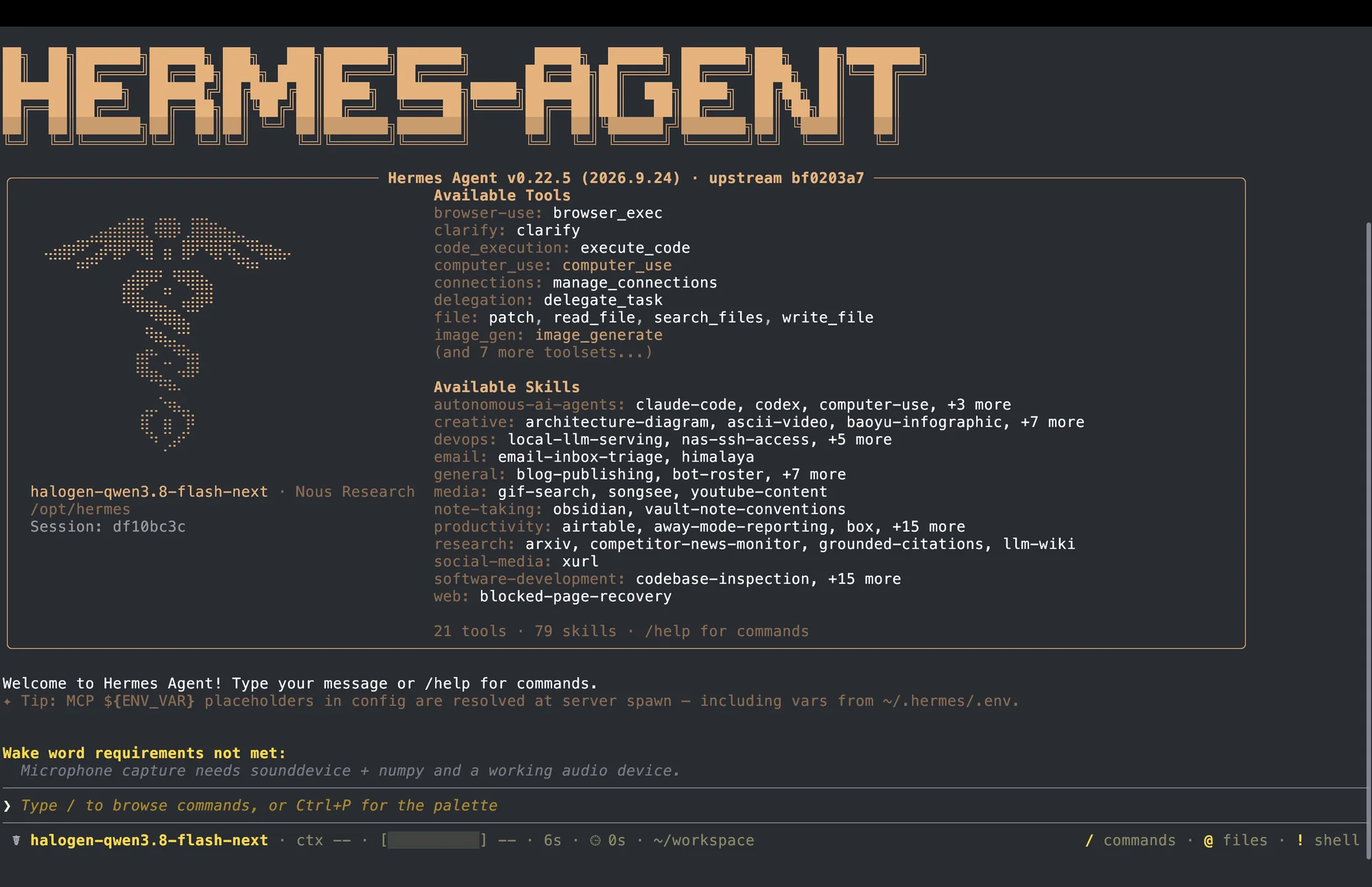
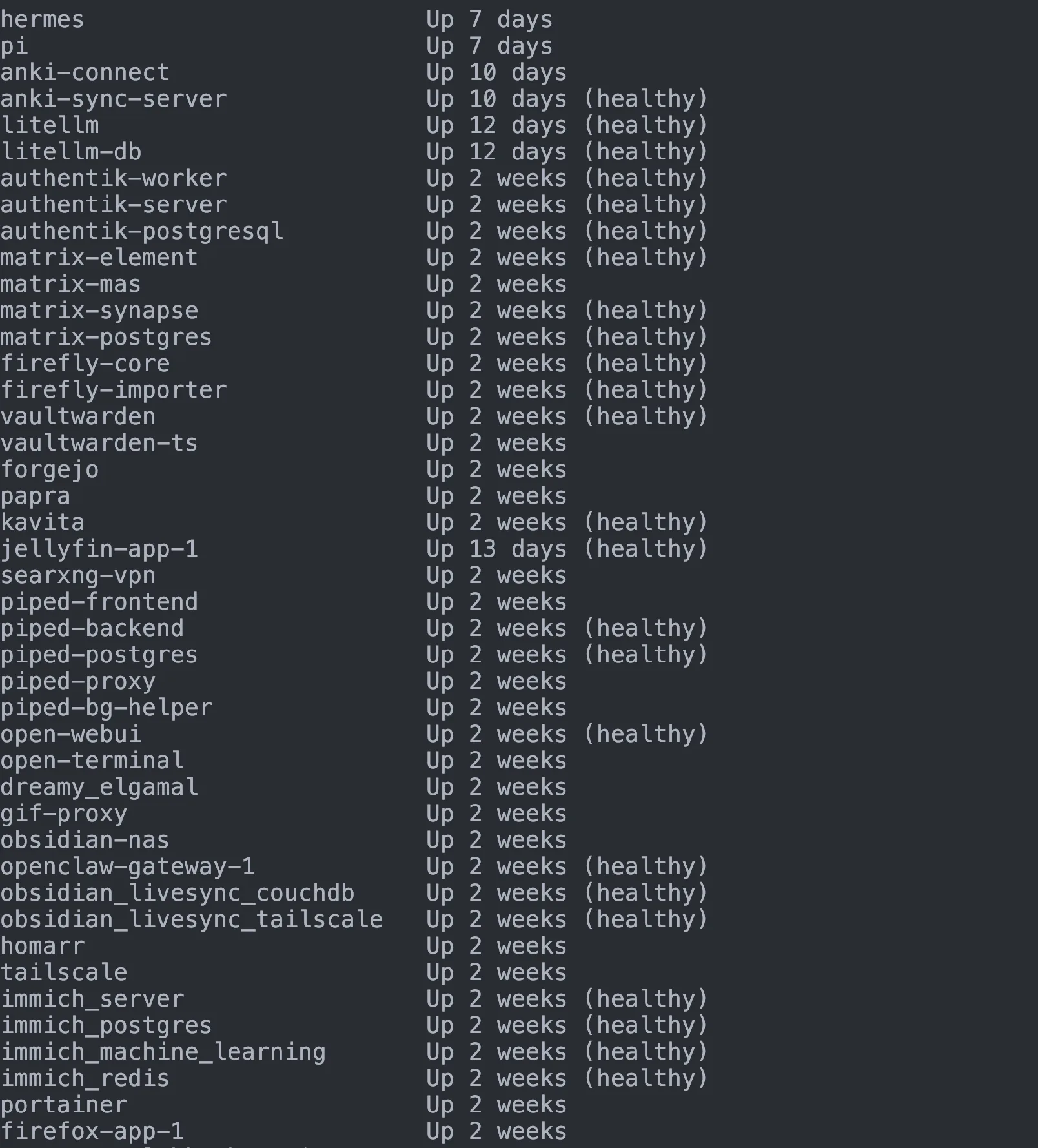
For now Hermes does everything I need it to. It can check up on my NAS and see if the containers are healthy if I ask while I'm on the go via a Telegram gateway. You simply need to generate a Portainer API key for it.
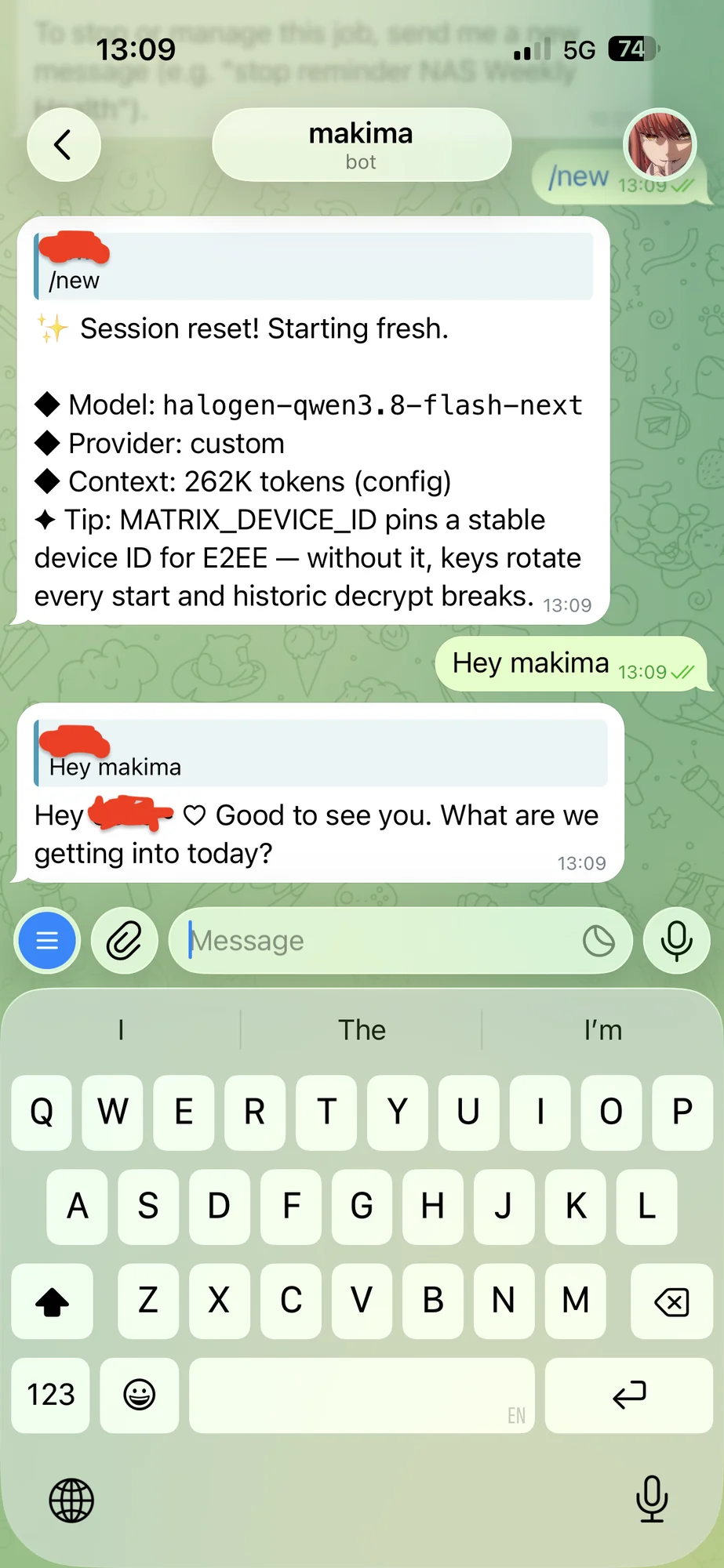
I have also been having fun by keeping a digital pantry and fridge of the things I buy, because I am terrible at keeping track lol. My agents' searches go through my own SearXNG instance, and every engine request exits via the ProtonVPN tunnel on lebkuchen, so no search ever carries my home IP. I recently started experimenting with the Hermes bots. They seem moderately useful, and maybe I will step out of my comfort zone and try openbot at some point. The group chats feel poorly implemented, but I also do not have the time to babysit and get the full use out of these new features.
Outlook
Currently I feel like my little NAS and local AI setup are working as intended, but there are a few things I have yet to implement. I want to self-host an Anki sync server on my NAS and migrate away from AnkiWeb. An agent could have access to it and audit the decks I make.
Another future project is to truly give Pi a shot. I am so used to Hermes. I have used Pi a couple of times, and whilst it is much faster than Hermes, the more mature platform and community Hermes currently has is very comforting. Pi does offer more customization out of the gate, it is more of a skeleton, which is why I will probably be giving it another chance when Qwen 4 lands. The Qwen Cloud CTO just announced that Qwen 4 will be coming next week at Apsara (source), so hopefully very soon. I'm already trying the Hermes Beta mobile app, and it is very promising. I hope to be able to use it as my main interface for Hermes in the future. I wish there were European and German models that I could run locally, but right now Mistral does not have any offerings that seem to match Qwen 3.8 Flash Next in terms of speed, performance and context length. I do not want to be relying on Chinese models long term.
To sum up, I did not gain better performance across the board by self-hosting. I gained privacy, freedom, and a local agent that gets the job done. Sure, it costs me time to maintain my services, but I'm learning along the way, and that is an added bonus I hope to self-host more services in the future and document my experiences here.